


When you are logged into the Canopy Dashboard via CanopyMLS.com, you will see a zipForm icon tile in your available apps in Category Panel that will automatically sign-on to zipForm while signed into Canopy.
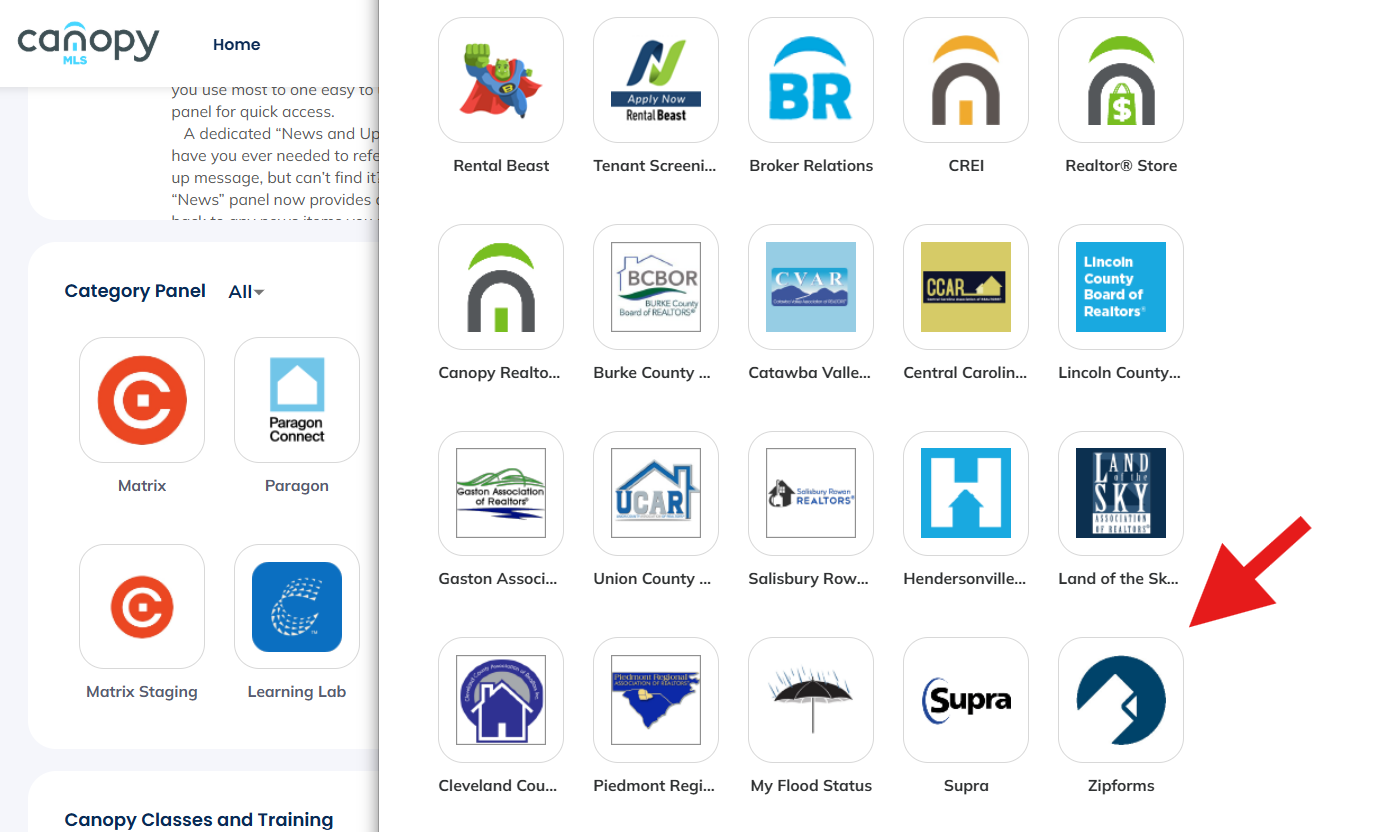
The first time you click on the zipForm tile, you will see this login screen:
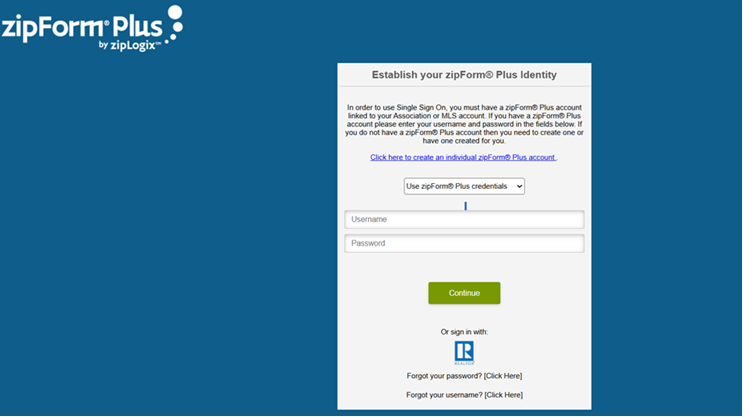
When registering with zipForm, you will create your own login. Using these login credentials, you will only need to sign in once using the zipForm tile on your Canopy Dashboard and this will connect your zipForm account to your Canopy login. If you are a new agent or have never previously used zipForm, use the link on the login screen "Click here to create an individual zipForm® Plus account" to set up the login credentials with zipForm.
If you already have a username and password for zipForm, make sure you have "Use zipForm Plus Credentials" selected in the dropdown above the username field.
Enter your login credentials and click the Continue button.
Going forward, you will be automatically signed into zipForm using this tile whenever logged into CanopyMLS.
If you need help with you login credentials, please use the "Forgot your Password" or "Forgot your Username" options at the bottom of this screen. If you need additional assistance with your zipForm login, you can contact zipForm (Lone Wolf) support at (586) 640-0140.

